

Happy Monday!
Every week in AI feels like a few years.
At OpenAI’s DevDay this week, the big announcement was Dots: always-on AI agents that can connect to your apps, use their own cloud computer, and keep working on things for you over time.
And OpenAI is making it pretty clear where this is headed: they’re not just competing with other AI models anymore. They’re coming for the workplace layer that Microsoft has owned for years.
The catch? If you want access to Dots as an individual, you’ll need at least the new $100/month Pro plan.
Agents are quickly going from “cool AI experiment” to something you may actually have working alongside you every day.
But that creates a new problem:
What should you actually build an agent for?
Don’t know what agents you should use?
Try the prompt below.
Enjoy!
PROMPT: Act as my AI Agent Strategist.
Review my past 60–90 days of work, including emails, meetings, documents, tasks, chats, and recurring requests.
Look for patterns such as:
Repetitive tasks
Frequent follow-ups
Recurring research
Similar meeting prep
Repeated decisions
Work that gets delayed or forgotten
Tasks that require information from multiple places
Then recommend the 5 most useful AI agents I should build based on my actual behavior.
For each one, include:
Agent name
What it does
Why it fits my workflow
What triggers it
What tools or data it needs
Where I should approve actions
Rank them from #1–#5 based on time saved, usefulness, and ease of building.
For the #1 agent, show the workflow as:
TRIGGER → RESEARCH → REASONING → ACTION → OUTPUT
Only recommend agents supported by patterns in my actual work. Don't suggest agents just because they sound impressive.
In Today’s Edition:
🤯 OpenAI just declared war on office
🛠️ 1 new AI tool that you should make time to try this week
😮 Meta AI shares seller’s address: Facebook Marketplace buyer shows up at his home
🤖 Always-on AI agents that work autonomously.
Read time: 4 minutes

🎨 AI ART

Can you believe it’s October?
📰 AI INDUSTRY NEWS
OpenAI started shipping documents and slides this week, which puts it in a fight with Microsoft.
Agencies must swap the terminology now, while proposed language for a new federal definition is due November 28.
Meta reviewed it and found nothing broken, which is the more worrying version of this story.
Almost nobody can actually use this one, and who got it tells you what it is for.
Gems migrate automatically on November 17, and using one afterward means typing a slash command.
Mollick admits he got something big wrong, and it is the part managers are trained for.
Far more companies claim AI impact than track a single metric for it.
A lab promising open models now belongs to one chipmaker, and nobody has said what runs where.
OpenAI's last shopping feature flopped, and this one arrives a year after Google's.
Another company's shareholders paid for this hire, and the consumer agent was always the wedge.

🛠 AI TOOL TO PLAY WITH THIS WEEK
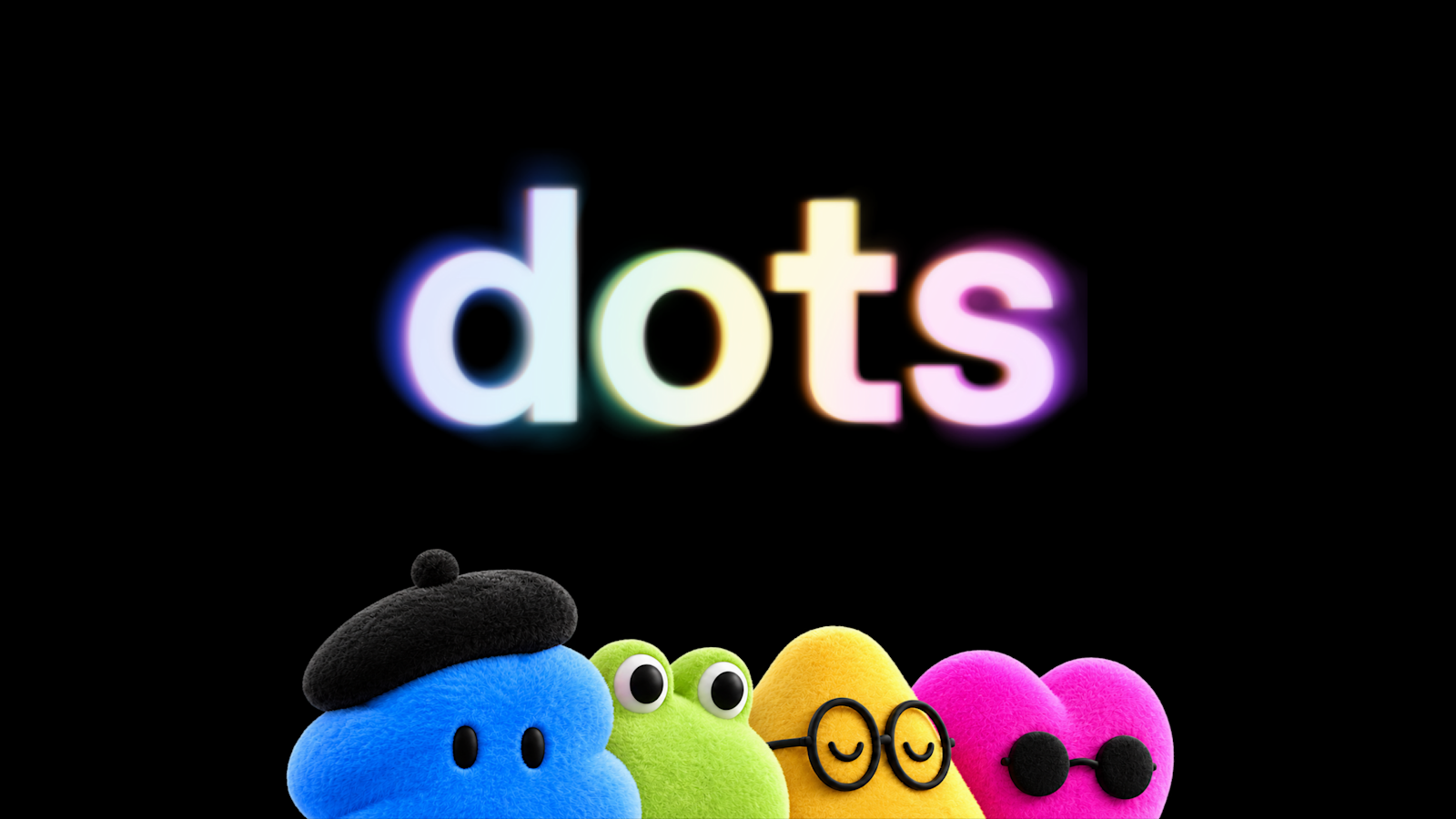
🤖 OpenAI Dots — Always-on AI agents that work autonomously.

🎓 LEARN
ChatGPT Dots: What Can It Actually Do for You?
Anthropic Just Dropped Claude Sonnet 5.5
New Microsoft Copilot: Home, Autopilot, Code & Office

📹 TIKTOK OF THE WEEK
🤯 OpenAI Launches Dots
@willfrancis24 New ChatGPT dots! Major new feature brings an always-on 24/7 AI assistant to your ChatGPT, that you can call or text to manage any of your... See more


☕️ THE EXTRAS
One year ago today, I wrote OpenAI Launches Sora 2
The most clicked link in last week’s newsletter: Meta’s Muse just stole the AI spotlight from OpenAI and Anthropic
Have a burning AI question?
I read every single question submitted and use it to improve this newsletter. Submit your question below!
That’s it for this time! See you next week.
— Cliff Worley